


One of the most common challenges I see our founders face isn’t generating traffic to their site. It’s turning that traffic into qualified meetings. And when you’re running a lean team, especially if you don’t have an inbound SDR function yet, keeping that conversion engine running usually falls to nobody. Visitors show up, poke around, and leave.
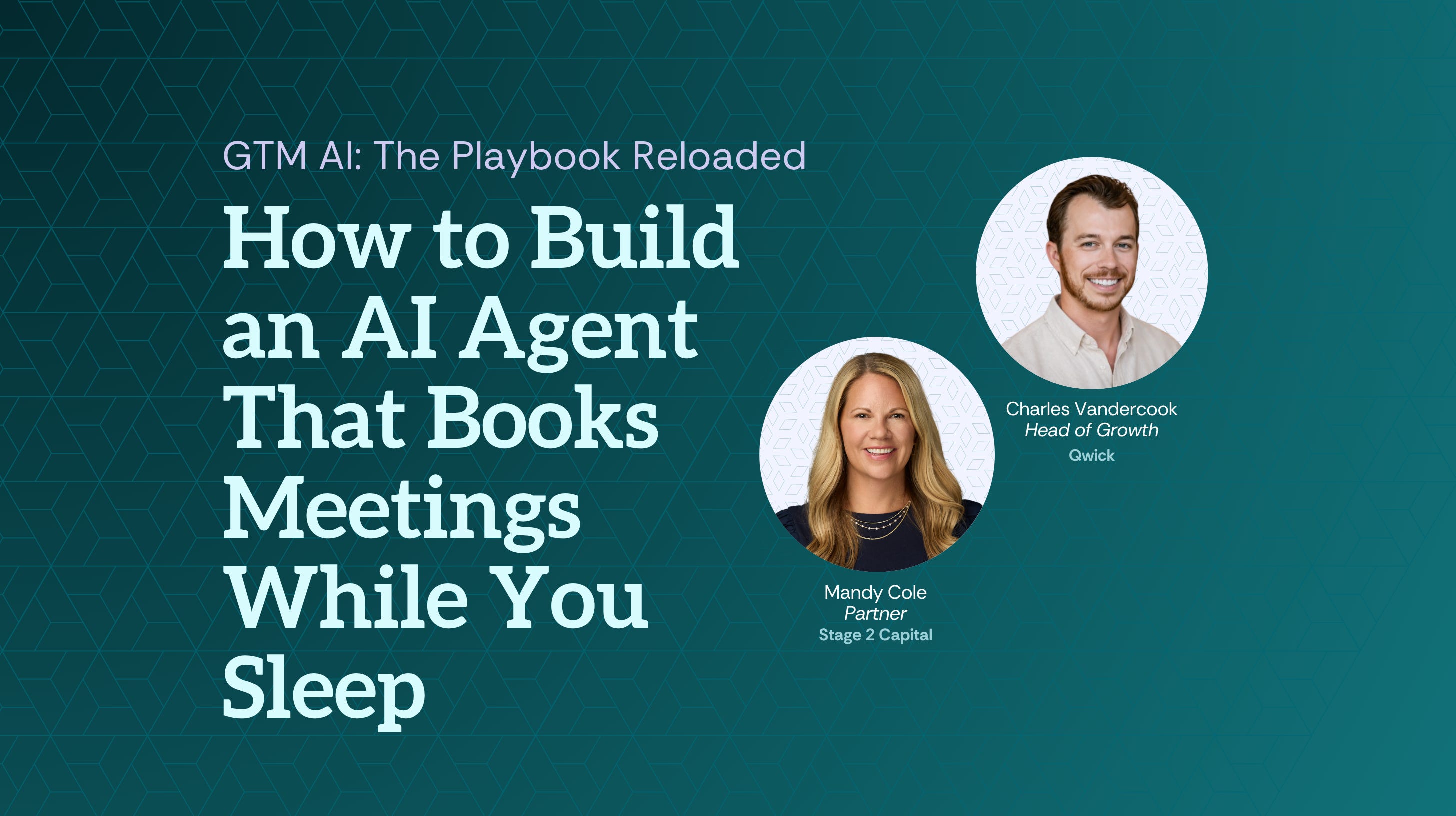
A well-built AI agent can fix that without adding headcount. Charles Vandercook, Head of Growth at Qwick, a staffing marketplace for the hospitality industry, built one that does exactly this for about $40 a month. Here’s how he did it.
Why Website Traffic Doesn’t Convert Into Meetings
Most B2B websites do one of two things with inbound visitors: push them to a form (high friction, low conversion) or hope they book a demo themselves (optimistic). Meanwhile, your SDRs are spending time on manual follow-up for leads that were never qualified in the first place.
Charles built an AI agent called Avery to solve exactly this. In a single month, Avery handled 1,400 visitor interactions, routed them by persona, answered support questions, and pushed qualified leads directly to an SDR’s calendar. The whole thing costs roughly $40 a month to run.
This guide walks you through how he did it: the tool, the architecture, and the learnings from four or five iterations.
The Setup: An AI Agent Built in Voiceflow
The tool Charles uses is Voiceflow, a low/no-code platform for building conversational AI agents. No backend dev required. If you can map a flowchart and write a decent prompt, you can build this.
Avery lives as a pop-up widget in the bottom right corner of Qwick’s website. It’s trained on Qwick’s full site map (FAQs, blog content, onboarding docs) and its primary job is to route visitors down the right path and get the right ones to book a meeting.
Step 1: Define Your Routing Logic Before You Touch the Tool
Before you think about which AI model to use, figure out who visits your site and what each persona actually needs. This is the decision that matters most.
For Qwick, there were two distinct audiences: workers looking for shifts, and businesses looking for staff. Building one generic experience for both was a mess. Building two separate agent paths, one per persona, cleaned everything up.
Before you open Voiceflow, map this out on paper:
Who are the 2-3 types of people that land on your site?
What does each one need? (Information? Qualification? A meeting?)
What’s your desired end state for each? (Meeting booked, form submitted, support deflected?)
Example prompt to get yourself started in Claude: “I sell [product] to [ICP]. My website gets traffic from [persona A] and [persona B]. Help me map out what each visitor type needs and what the ideal outcome is for each one.”
Don’t skip this step. Every iteration Qwick went through — and there were several — came back to getting the routing right.
Step 2: Build the Agent in Voiceflow
Once your routing logic is mapped, stand up the agent in Voiceflow.
The architecture is simpler than it sounds: Voiceflow lets you chain agents together. Think of each agent as a node in a conversation flow. The first agent collects context (who are you?), passes that to the next agent (what do you need?), and so on. Each subsequent agent inherits all prior context and adds to it.
Key build decisions:
Train it on your content. Voiceflow connects to your knowledge base: site map, FAQ docs, blogs. Feed it everything relevant. Avery can answer detailed questions about Qwick’s business because it’s been trained on the full content library.
Use buttons, not open text fields. Qwick tested both. Users prefer buttons. They’re faster, reduce drop-off, and give you cleaner data. Pre-populate the options you care about (business type, city, etc.) rather than asking visitors to type free-form answers.
Set a question limit. Avery asks up to 10 qualifying questions, then routes. If a visitor has follow-up questions, it answers up to two more before redirecting to a human. This keeps conversations moving and prevents the agent from becoming a chatbot people abandon.
Step 3: Connect It to Your CRM and Calendar
This is where the lead gen actually happens.
Voiceflow integrates natively with Salesforce, HubSpot, and Google Sheets. Once a business visitor has been loosely qualified, Avery routes them directly to an SDR’s Calendly (or equivalent). No form. No intermediate step. Just: book the meeting.
“We really just want to get a meeting booked — so we don’t even want to go to a form.” — Charles Vandercook, Head of Growth, Qwick
The context collected during the conversation (business type, market, staffing needs) gets passed to the SDR before the call. The meeting is already warm. The SDR isn’t starting from zero.
What to connect:
CRM (Salesforce or HubSpot) — so every interaction creates or updates a contact record
Calendar booking link — so the agent can drop a meeting directly on an SDR’s calendar
Google Sheets — if you want a lightweight backup or want to do batch analysis separately
Step 4: Use the Chat Transcripts to Improve the Agent and Your GTM
This is the part most teams skip, and it’s where a lot of the value lives.
Voiceflow captures every conversation transcript. At Qwick’s volume of 1,400 interactions per month, that’s a significant signal set about what your visitors are actually asking, where they’re dropping off, and what they don’t understand about your product.
Charles runs batch evaluations on the transcripts: deflection rates, satisfaction scores, drop-off points by step. But you can also just pipe a batch of transcripts into Claude and ask:
Prompt: “Here are 20 chat transcripts from our AI agent. What are the top 5 questions visitors are asking that we’re not addressing well? Where in the conversation are they dropping off? What content gaps does this reveal?”
This is direct, unfiltered feedback from your customers, the kind they’d never give you in an NPS survey. Use it.
Step 5: Embed It and Iterate
Deployment is the easy part. Voiceflow outputs a simple HTML snippet. Drop it into your site, and Avery shows up.
The harder part is committing to iteration. Qwick’s first version assumed mostly businesses would interact with Avery. Turns out it was mostly workers. Opening a separate lane for workers changed everything. It improved the business-side conversion rate and gave the operations team a support deflection tool they hadn’t planned for.
Iteration checklist:
Review transcripts monthly and look for drop-off patterns and unanswered questions
A/B test button options (Qwick rotates their city list based on which markets are hot)
Add new agent nodes as your use cases expand (Qwick is building a post-sale version of Avery now)
Watch your conversion rate. Qwick converts 14% of interactions into a meeting, and that’s a real benchmark to aim for.
What Good Looks Like
A well-built lead gen agent does three things simultaneously:
Routes visitors to the right experience without friction
Qualifies leads passively, before a human ever touches them
Generates a continuous stream of product intelligence from real visitor conversations
At ~$40/month and 14% meeting conversion across 1,400 monthly interactions, Avery is producing roughly 196 warm, pre-qualified meetings per month for Qwick’s SDR team. In practice, that’s the output of a full-time SDR with zero ramp time.
Watch-Outs
Don’t start with open-ended chat. It seems more conversational, but users drop off faster. Buttons win. Start with a constrained, button-driven flow and open it up only when you have a clear reason to.
Don’t try to close in the chat. The agent’s job is routing and qualification, not selling. The second you ask Avery to do too much, it does everything worse. Get the meeting. Let your SDR / AE do the rest.
The Design Work Matters More Than the Build
The barrier to building a lead gen agent is lower than you think — in cost, in code, and in time. What’s actually hard is the design work that happens before you open the tool: mapping your personas, defining your routing logic, and deciding what “good output” looks like.
Get that right, and the build is straightforward. Then let the transcripts teach you. The agent gets better every month because your visitors are telling you exactly how to improve it.
Special thanks to Charles Vandercook, Head of Growth at Qwick, for walking the Stage 2 community through Avery’s build and sharing real metrics from the field.